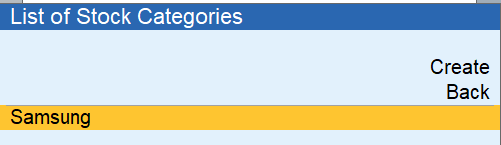
In TallyPrime, Stock Categories help you manage and classify your stock items. But if you have created a stock category by mistake or no longer need it, you can delete it easily.
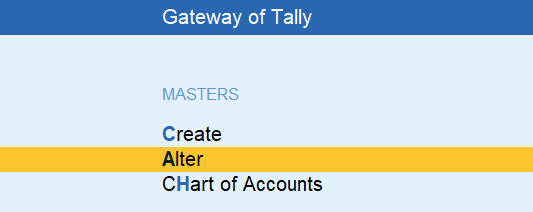
From the Gateway of Tally, press: Alt
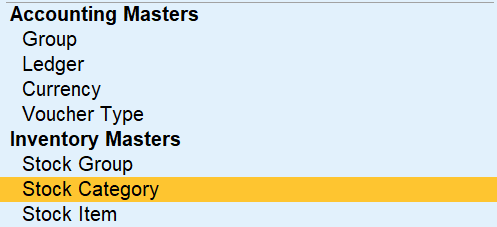
Click on Stock Categories
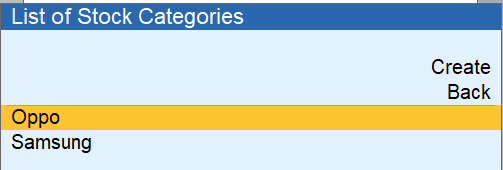
Choose the Category to Delete Select the category you want to delete.
Once the category is open: Press Alt + D

“Are you sure you want to delete this master?” Press Y to confirm.