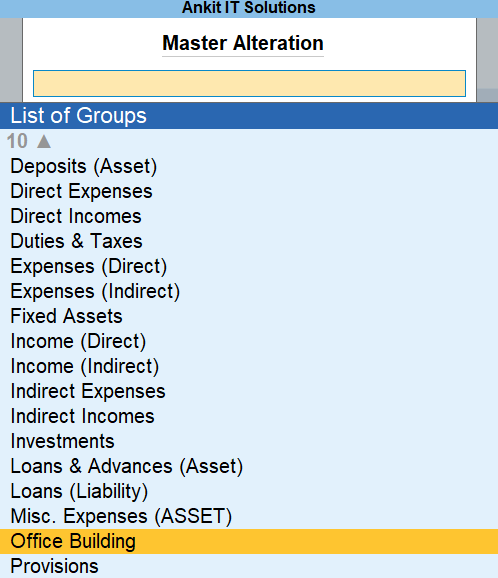
In TallyPrime, we create Ledger Groups to keep similar types of accounts together. Sometimes, we may create a group by mistake or no longer need it. In such cases, we can delete that group from Tally.
⚠️ Important Before You Delete
- You can’t delete a group if there are still ledgers inside it.
- You must first delete all ledgers under the group.
- Deleting is permanent – it can’t be undone.
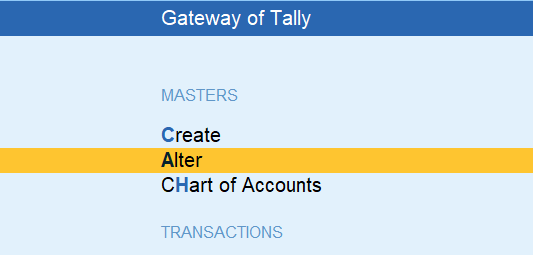
From the Gateway of Tally, press: on Alter
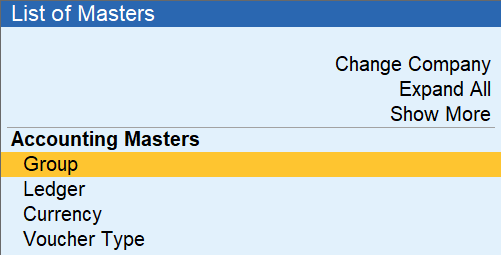
Click on Groups
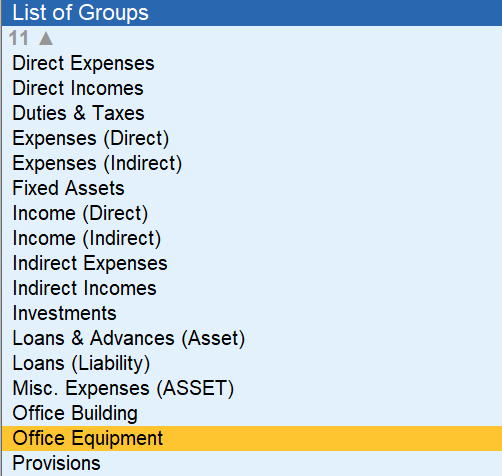
Choose the Group to Delete
Find the group you want to delete and press Enter. Example: “Office Equipment”
Press Alt + D to Delete
Press Alt + D on your keyboard. Tally will ask: “Are you sure you want to delete this?” Press Y for Yes.

“Are you sure you want to delete this?” Press Y for Yes.
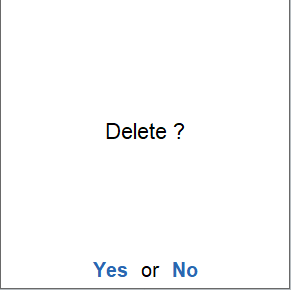
after deletion